
Bulk Importing Users
Bulk User Import
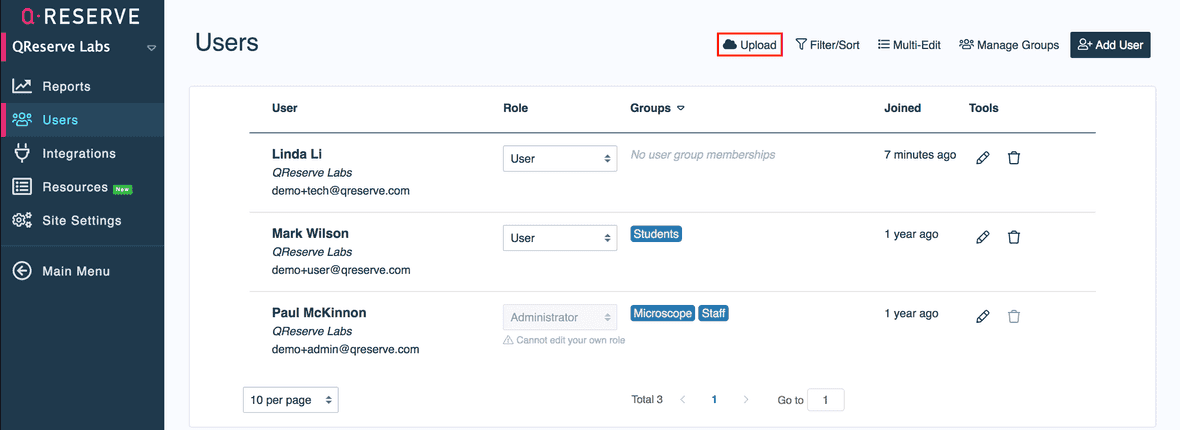
You can upload a CSV file with your user information to rapidly add tens or hundreds of users to your site. Select the Upload button on your Users page to get started.
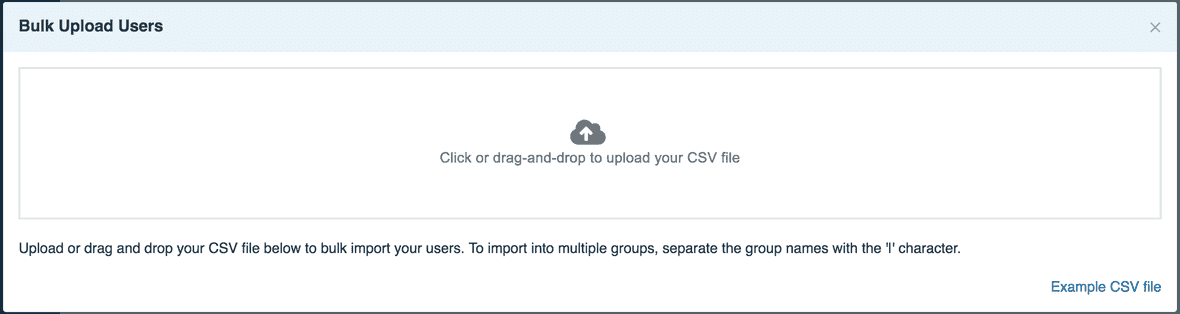
To view the proper headers for a bulk upload, download the example CSV file located in the bottom right corner. Afterwards, you can drag and drop your CSV file containing all user data into this window to upload it to your site.
Import Permissions
Administrators, moderators, and users with Site User Manager can import site users when bulk import is available for the site’s subscription. Delegated managers cannot change primary site roles.
Adding imported users to a group that grants roles also requires Site User Permission Editor, or moderator/administrator authority. To import bot or test users as a delegated manager, you also need Test User Runner. These dependent roles must be assigned alongside Site User Manager to the same user or User Group.
See User Roles and Permissions for the full limits.
Special Headers and Instructions
To import into multiple groups or account numbers, separate the group names or numbers with the pipe character ('|').
To import credentials, add columns called Credential:Credential Name and then either a value of Yes for an indefinite record or an expiration date in the form YYYY-MM-DD.
To import bot or test users, add a column called Bot with a value of Yes and set a value in the Display Name column.
To block users, add a column called Active with a value of No.
To remove users, add a column called Remove with a value of Yes.